An AI automation sprint should start with one enterprise workflow, one review path, and one measurable operating target.
The fastest route to useful AI automation is a narrow sprint that exposes data, review, integration, and ownership constraints before MVP build.

Solvrz Team
Solvrz
Challenge
Enterprise teams often try to automate a broad process before they understand the workflow, data quality, review requirements, and risk ownership.
Approach
Run a focused sprint that maps the workflow, defines the AI role, sets human review controls, and produces an MVP decision path.
Outcome Focus
Leave with a buildable AI automation brief, acceptance criteria, risk map, and first release plan.
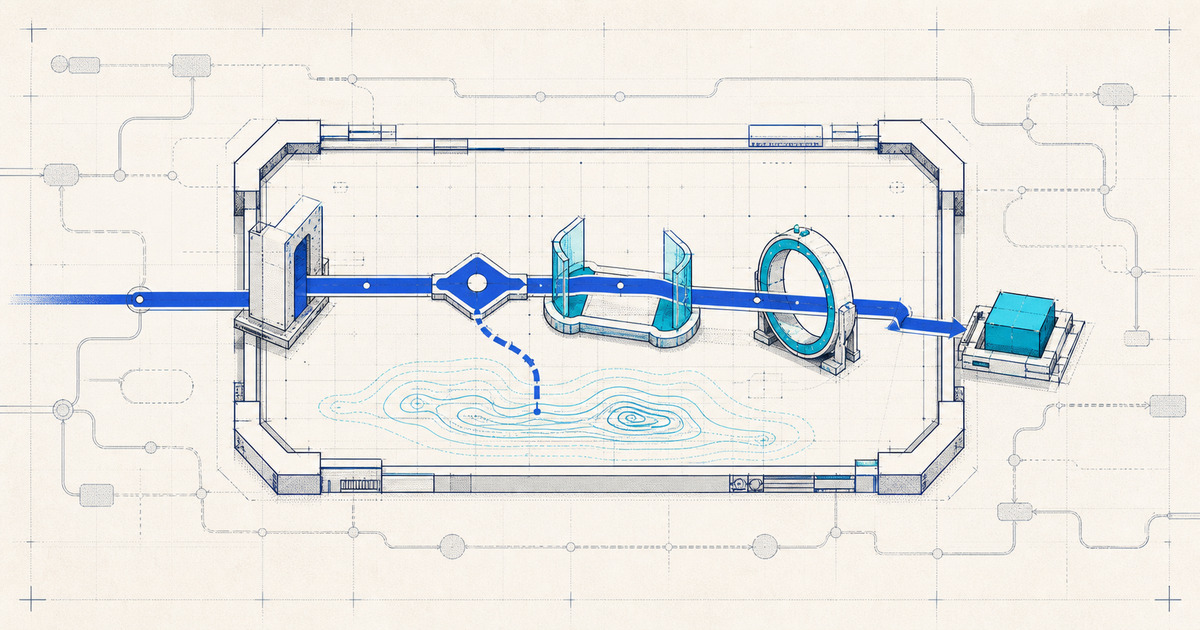
An AI automation sprint is a focused way to turn one enterprise workflow into a buildable automation plan. It should not begin with a generic tool demo. It should begin with the workflow that creates delay, rework, or decision friction.
Solvrz runs AI automation sprint work as part of its AI product studio and software engineering partner model. The sprint is designed to produce a practical decision: prototype, MVP, deeper discovery, or no-build.
Challenge: Enterprise Automation Fails When The Scope Is Too Wide
Enterprise teams often describe automation needs at a high level: automate onboarding, automate compliance, automate sales operations, automate reporting. Those are not sprint scopes. They are operating areas.
A sprint scope needs a workflow. The workflow should have a trigger, users, inputs, decisions, handoffs, exceptions, and an owner. Without that level of specificity, AI automation becomes a collection of prompts and integrations that nobody can reliably evaluate.
The first question is not "Can AI do this?" The first question is "Which decision or handoff should become easier to complete, review, or measure?"
Approach: Scope One Workflow In Six Parts
1. Trigger
Define what starts the workflow. It might be a form submission, email, uploaded document, CRM status change, support ticket, supplier request, compliance event, or scheduled report.
2. Data
List the source systems and document types. Mark what is structured, unstructured, sensitive, incomplete, or permissioned. Data readiness often determines whether an automation sprint should become an MVP.
3. AI Role
Define the AI job narrowly. Common roles include classification, extraction, summarisation, drafting, routing, anomaly detection, or decision support. Keep deterministic rules where fixed logic is safer.
4. Review
Decide who reviews the output and what actions they can take. Review states might include approve, edit, reject, escalate, request evidence, or send back for more information.
5. Measurement
Choose the metric that will decide whether the automation worked. Useful measures include cycle time, manual touches, reviewer correction rate, exception rate, completion rate, or adoption.
6. Launch Ownership
Name who owns the workflow after release. Someone must monitor failures, improve prompts or rules, update permissions, review analytics, and decide whether to expand scope.
Outcome: A Buildable Automation Brief
The output of an AI automation sprint should be concrete. A useful sprint leaves behind:
- Workflow map.
- Data and integration assumptions.
- AI role definition.
- Human review model.
- Exception and risk register.
- MVP scope.
- Measurement plan.
- Launch checklist.
This creates the evidence needed for a responsible next step. Some workflows will be ready for MVP build. Some will need data cleanup or policy clarification first. Some should not be automated yet.
Evidence: Sprint Decision Matrix
| Signal | Prototype | MVP build | Delay automation |
|---|---|---|---|
| Workflow clarity | Partial | Clear trigger and end state | Workflow still disputed |
| Data readiness | Sample data exists | Source systems and permissions known | Data inaccessible or unreliable |
| Risk | Low or contained | Review and escalation defined | High risk without accountable review |
| Measurement | Learning metric | Operating metric | No measurable improvement target |
| Ownership | Product owner identified | Operating owner identified | No owner after release |
The sprint is successful when it makes the next decision obvious.
Related
For the full service path, see AI automation sprint for enterprise workflows. For AI MVP build support after the sprint, see AI MVP development services.
{
  "@type": "FAQPage",
  "mainEntity": [
    {
      "@type": "Question",
      "name": "What is an AI automation sprint?",
      "acceptedAnswer": {
        "@type": "Answer",
        "text": "An AI automation sprint is a focused discovery and planning cycle that maps one workflow, defines the AI role, sets review controls, and produces an MVP or no-build decision."
      }
    },
    {
      "@type": "Question",
      "name": "How long should an AI automation sprint take?",
      "acceptedAnswer": {
        "@type": "Answer",
        "text": "A focused sprint can usually run in one to three weeks depending on workflow complexity, data access, stakeholder availability, and whether a prototype is included."
      }
    },
    {
      "@type": "Question",
      "name": "What should be delivered from an AI automation sprint?",
      "acceptedAnswer": {
        "@type": "Answer",
        "text": "The sprint should deliver a workflow map, AI role definition, data assumptions, review model, exception plan, measurement criteria, and recommended MVP path."
      }
    }
  ]
}
Evidence Snapshot
- A sprint brief should define trigger, input data, AI role, review states, exception handling, and success metrics.
- Human review controls should be scoped before any workflow is described as automated.
- A single workflow creates clearer evidence than a broad automation roadmap with no release path.
Connected Reading
Follow the related product path
Service page
AI automation services
Map one workflow into an AI automation build path with review, measurement, and launch controls.
Service page
Blockchain development
Design and build blockchain systems, smart contracts, and digital trust platforms for verifiable workflows.
Engagement path
Build capabilities
Compare the discovery, engineering, AI, digital trust, launch, and governance lanes.
Keep reading
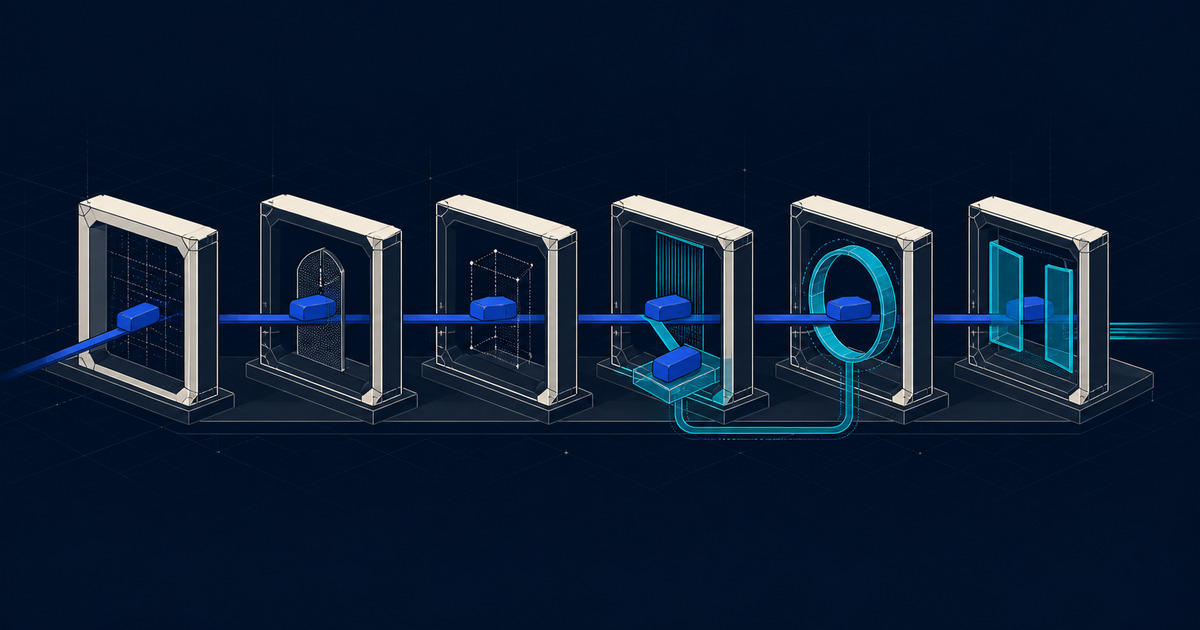
AI Automation Without The Risk: A Solutions Framework For Founders And SMEs
A practical AI automation solutions framework for founders and SMEs: map workflow risk, define the AI role, keep review visible, and measure before scaling.
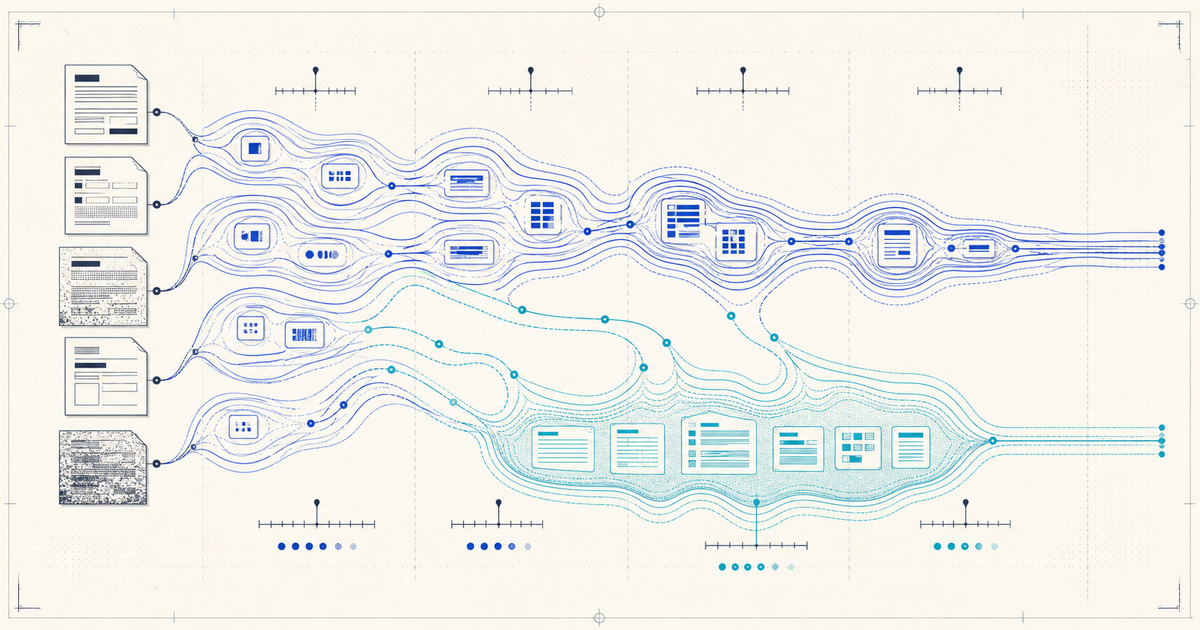
How AI Document Verification Works — And What Actually Drives Accuracy
A plain explainer of how AI document verification works end to end — classification, extraction, validation, confidence scoring, and review — and the concrete factors that actually drive accuracy in automated document checking.