Your first AI automation project should not start with a model. It should start with a workflow.
Founders and SMEs can reduce risk by mapping the decision, data, review path, and measurement loop before building AI automation into a product or internal system.

Solvrz Team
Solvrz
Challenge
Teams want AI automation, but many start with tools before defining the workflow, data boundary, review model, or launch criteria.
Approach
Use a six-part framework: workflow, data, AI role, human review, measurement, and launch governance.
Outcome Focus
Create a safer path from AI automation idea to prototype, MVP, or operating workflow without hiding risk inside a black-box system.
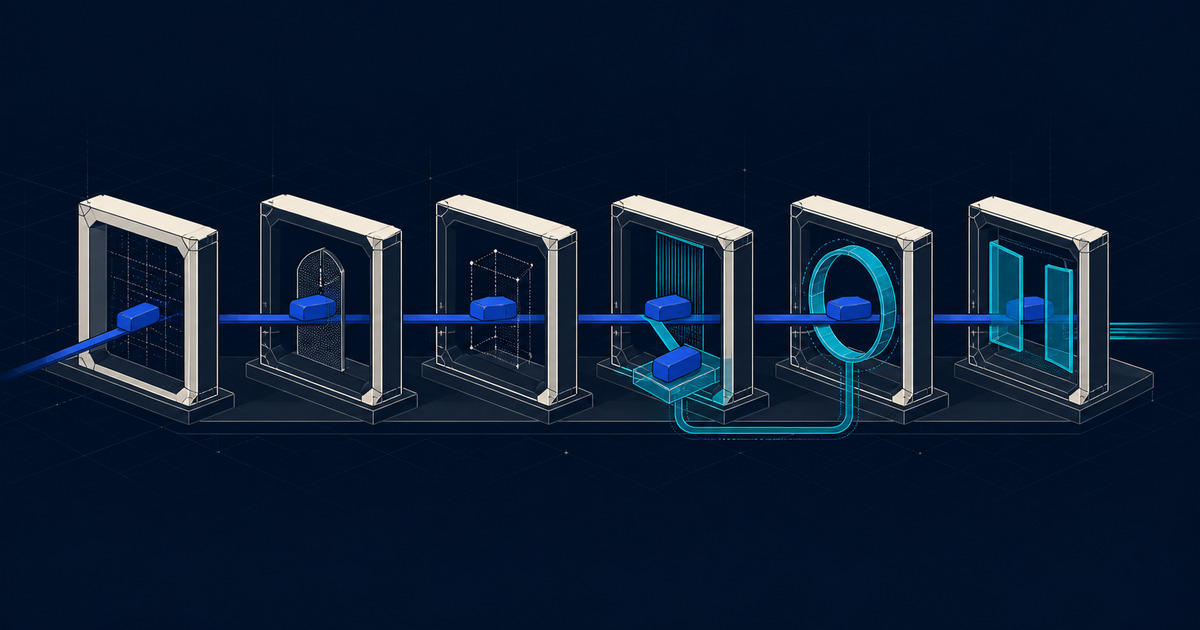
AI automation is easiest to sell as a shortcut and hardest to operate when the shortcut is vague. A founder sees repetitive admin. An SME sees slow approvals, document checks, customer follow-up, or reporting work that consumes the same hours every week. The temptation is to add a model and expect the workflow to become intelligent.
That is usually the wrong starting point.
At Solvrz, we treat an AI automation sprint as product infrastructure. The useful question is not "Which model should we use?" The useful question is "Which workflow decision should become faster, safer, or easier to review?" That is why a serious AI automation solutions framework starts with one workflow, one review path, and one measurable operating target.
Attention: Start With The Workflow, Not The Model
The first step is to map the current workflow as it actually happens. Not the ideal process in a slide, but the real one: where information enters, who checks it, which systems hold the source records, where errors appear, and which decisions create delay.
For founders and SMEs, the best first AI automation project is usually narrow. It might be lead intake, document review, compliance evidence checks, customer support triage, supplier follow-up, or weekly operations reporting. These workflows are repetitive enough to matter, but specific enough to test.
A practical workflow map should answer six questions:
- What event starts the workflow?
- What data or document does the system need?
- What decision, classification, extraction, or draft should AI support?
- Who reviews the output?
- What happens when confidence is low or data is missing?
- What metric proves the workflow improved?
If those answers are unclear, the automation brief is not ready for build.
Interest: The Risk Is Hidden Rework
Bad AI automation does not always fail loudly. More often, it creates hidden rework. A model drafts the wrong response, misses a field in a document, routes a request to the wrong person, or summarises a case without the detail needed for approval. The team then spends time checking the automation instead of trusting it.
That is why AI workflow automation needs boundaries. Stable rules should stay deterministic. Ambiguous work can use AI assistance. Sensitive decisions should keep human review visible.
This is especially important for document-heavy workflows. If the automation touches compliance records, credentials, supplier evidence, or operational approvals, the system needs an audit trail. An AI document verification workflow should show what was extracted, what was uncertain, who reviewed it, and what decision followed.
Desire: The Six-Part AI Automation Framework
Use this framework before building the first prototype.
1. Workflow
Define the operating path. Identify the trigger, users, handoffs, source systems, edge cases, and current failure points. A workflow that cannot be described clearly will not become reliable because a model is added.
2. Data
List the data sources the automation needs. This may include CRM records, spreadsheets, PDFs, emails, product databases, ticket history, forms, or internal knowledge. Then mark what is sensitive, incomplete, duplicated, or permissioned.
For sensitive data, the architecture question matters. Some teams can use cloud AI services safely with the right controls. Others may need a private, on-prem, or edge AI pattern because latency, data residency, or governance constraints are part of the product requirement.
3. AI Role
Decide the job AI should perform. Common roles include classification, extraction, summarisation, drafting, routing, anomaly detection, and decision support. Avoid giving AI a vague role like "handle operations." That is not a product requirement.
A good AI role is testable:
- Extract these fields from these document types.
- Classify these leads into these routing categories.
- Draft this customer response using these source records.
- Flag cases that match these risk patterns.
4. Human Review
Decide which outputs need review and what the reviewer can do. Can they approve, edit, reject, escalate, or send the task back for more information? What should happen if confidence is low?
Human review is not a weakness. It is how early AI automation earns trust before scale. It also creates correction data that can improve prompts, rules, UX, and evaluation criteria.
5. Measurement
Define measurement before launch. Otherwise the team will only know that the automation "feels useful."
Useful metrics include:
- Time from intake to first action
- Number of manual touches per case
- Reviewer correction rate
- Low-confidence exception rate
- Completion rate by workflow stage
- User adoption and repeat usage
These events should be built into the MVP, not added after the team already wants to scale.
6. Launch Governance
Decide who owns the automation after release. Someone needs to monitor failures, review edge cases, update rules, manage access, and decide when to expand scope.
This is where many AI MVPs break down. The prototype works, but no one owns the operating loop. Serious AI MVP development services should include the release path, not only the first demo.
Action: Pick One Workflow And Make The Risk Visible
For the first AI automation sprint, do not try to automate the entire business. Pick one workflow where the pain is visible, the data is accessible, and the review path is clear.
Then write the brief:
- Workflow: what starts and ends the process
- Data: what the system needs and where it comes from
- AI role: what AI should support
- Review: who checks the output and when
- Measurement: what proves the system improved
- Launch: who owns the workflow after release
This is the difference between a prompt experiment and a product path.
Solvrz helps founders, SMEs, and innovation teams turn AI automation ideas into buildable workflows, prototypes, and MVPs. If you already know the workflow that keeps draining time, start by mapping that first. The model choice comes later.
Evidence Snapshot
- Workflow mapping exposes the handoffs, source systems, review points, and exceptions that determine whether AI automation is viable.
- Human review and confidence thresholds reduce the risk of fully automating decisions that still need accountability.
- Measurement events should be defined before launch so adoption, quality, exceptions, and reviewer corrections can be tracked.
Connected Reading
Follow the related product path
Service page
AI automation services
Map one workflow into an AI automation build path with review, measurement, and launch controls.
Service page
Blockchain development
Design and build blockchain systems, smart contracts, and digital trust platforms for verifiable workflows.
Engagement path
Build capabilities
Compare the discovery, engineering, AI, digital trust, launch, and governance lanes.
Keep reading
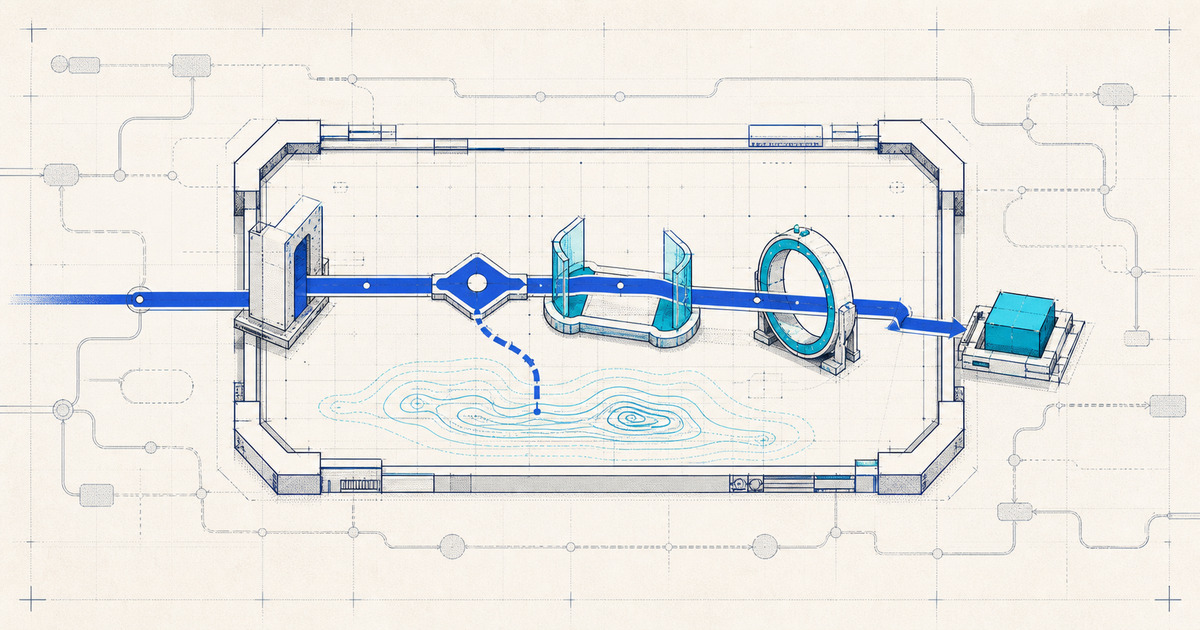
AI Automation Sprint: How To Scope One Enterprise Workflow
How to scope an AI automation sprint for one enterprise workflow: define trigger, data, AI role, review, measurement, and launch ownership.
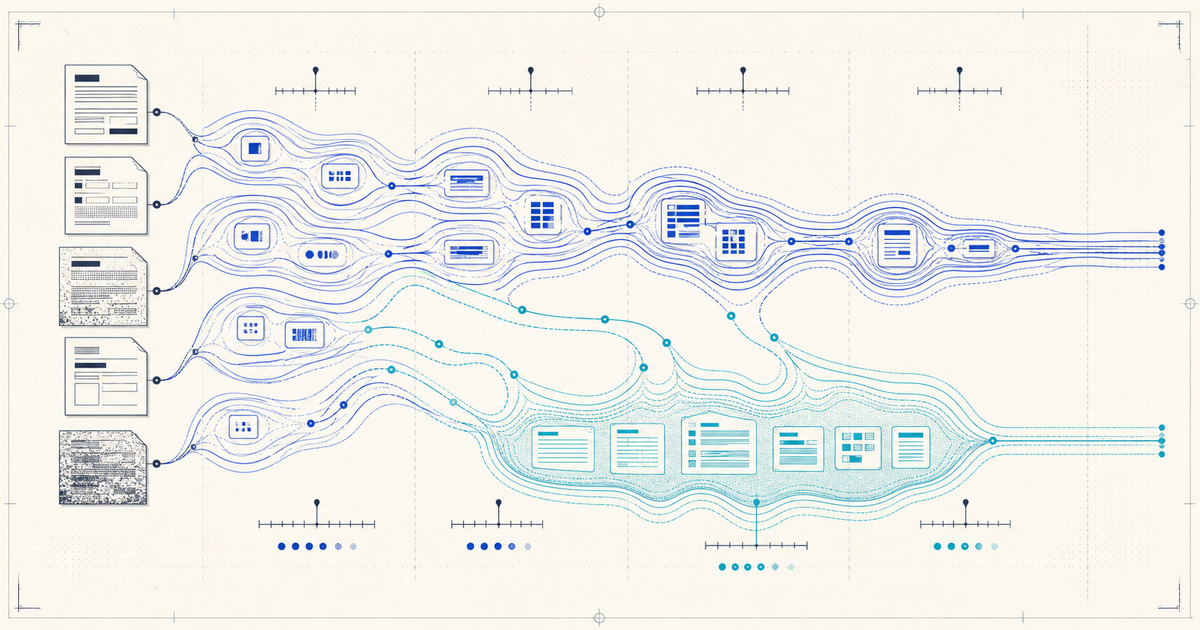
How AI Document Verification Works — And What Actually Drives Accuracy
A plain explainer of how AI document verification works end to end — classification, extraction, validation, confidence scoring, and review — and the concrete factors that actually drive accuracy in automated document checking.